
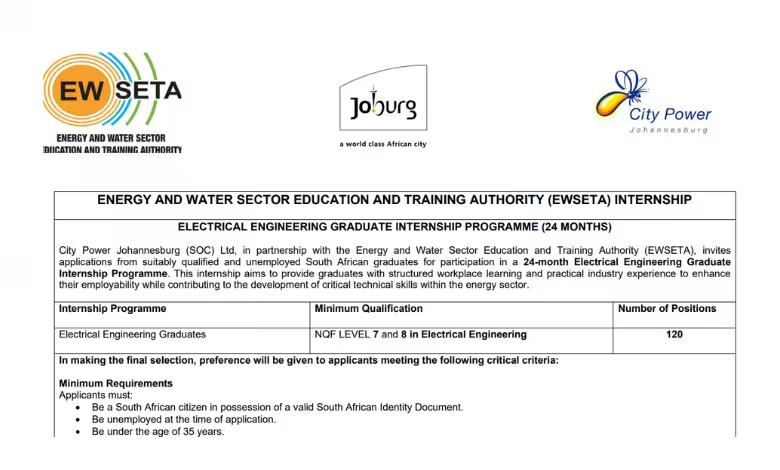
120 Electrical Engineering Internship Positions at City Power Johannesburg and EWSETA
City Power Johannesburg (SOC) Ltd, in partnership with the Energy and Water Sector Education and Training Authority (EWSETA), invites applications from suitably qualified and unemployed South African graduates for participation in a 24-month Electrical Engineering Graduate Internship Programme. This internship aims to provide graduates with structured workplace learning and practical industry experience to enhance their employability while contributing to the development of critical technical skills within the energy sector.
Minimum Requirements
Applicants must:
- Be a South African citizen in possession of a valid South African Identity Document.
- Be unemployed at the time of application.
- Be under the age of 35 years.
- Hold an NQF Level 7 or NQF Level 8 qualification in Electrical Engineering from a recognised and accredited higher education institution.
- Be academically eligible for professional registration with the relevant statutory professional council
Application Process
Interested applicants must submit the following documents:
- A detailed Curriculum Vitae (CV), clearly indicating the applicant’s current age.
- A completed City Power Application Form.
- A certified copy of a valid South African Identity Document (certified within the last three (3) months).
- A motivation/cover letter clearly indicating the internship programme being applied for.
- Certified copies of qualifications (certified within the last three (3) months).
- Certified academic transcripts (certified within the last three (3) months).
Take a look at other available opportunities:
- Internships
- Learnerships
- Apprenticeships
- Career Development
- Funding
- Online Courses
- Graduate Programmes
- How To
Looking for another opportunity?
Search Youth Opportunities Hub for jobs, bursaries, internships, learnerships, scholarships and more.

